
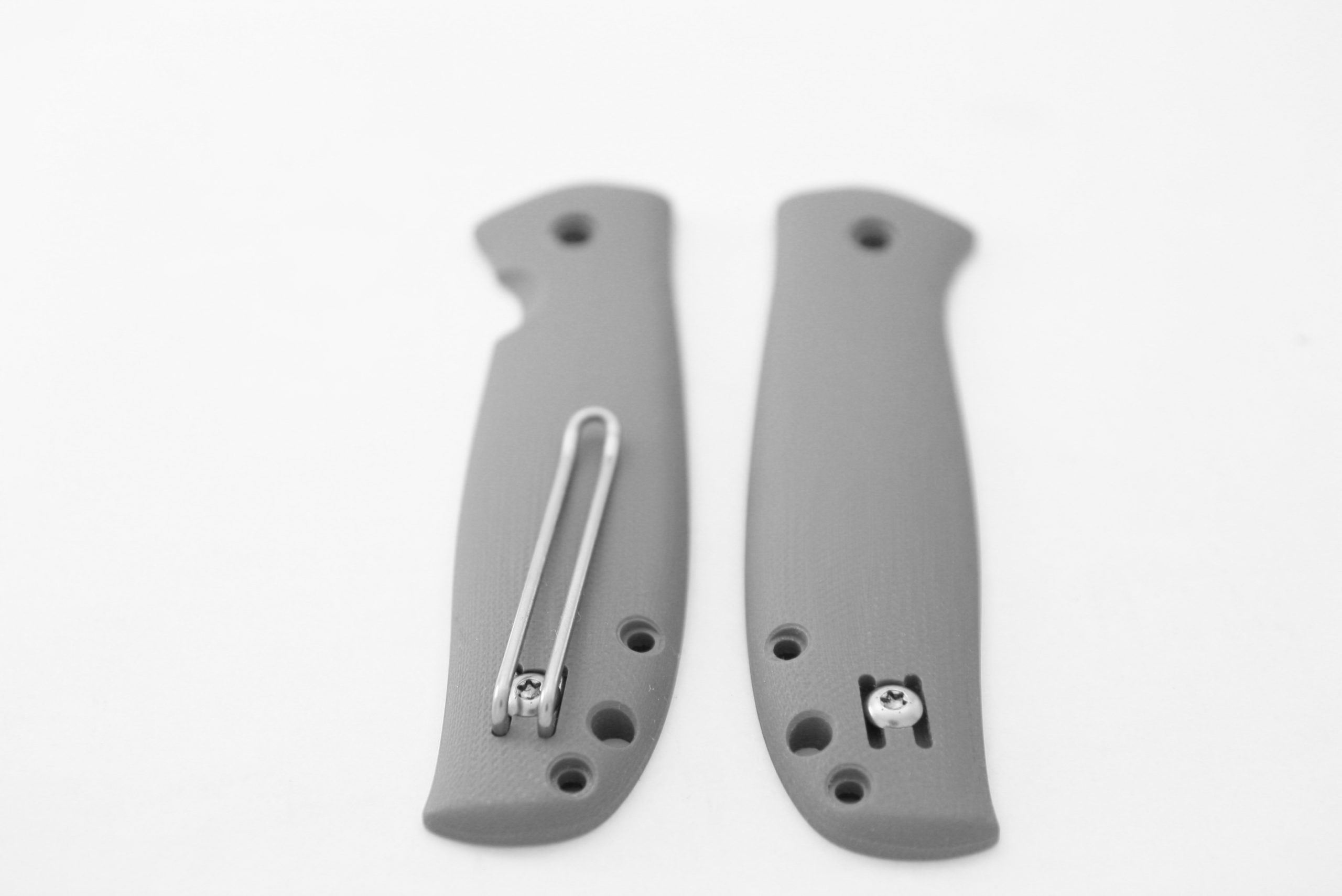
 With the left side option on the Skaha, there’s a screw on both sides. The one on the right side normally holds both the clip and the lockbar. The clip mount point on the other side has a backing nut that the clip screw threads into. The lockbar side screw must always be installed during operation, whether it is holding a clip or not and whether it is a regular Skaha or one with dual clip mounts (for left side carry)
To switch the clip between sides:
- open the skaha to the locked position and be careful to stay away from the sharp edge while working on things
- slide in a wad of paper (like a pad of post-it notes) from the bottom edge of the handle so that neither the lockbar nor the backing nut can fall out.
- remove the clip screw where the clip is and screw the screw back in without the clip. Tighten firmly (This is a T10 torx drive)
- remove the screw on the other side and hook the clip under the head of the screw and tighten down snugly
- the knife will now have the clip on the opposite side as before and both clip screws will be in place
- remove the paper wad and test action
Leave a Reply